
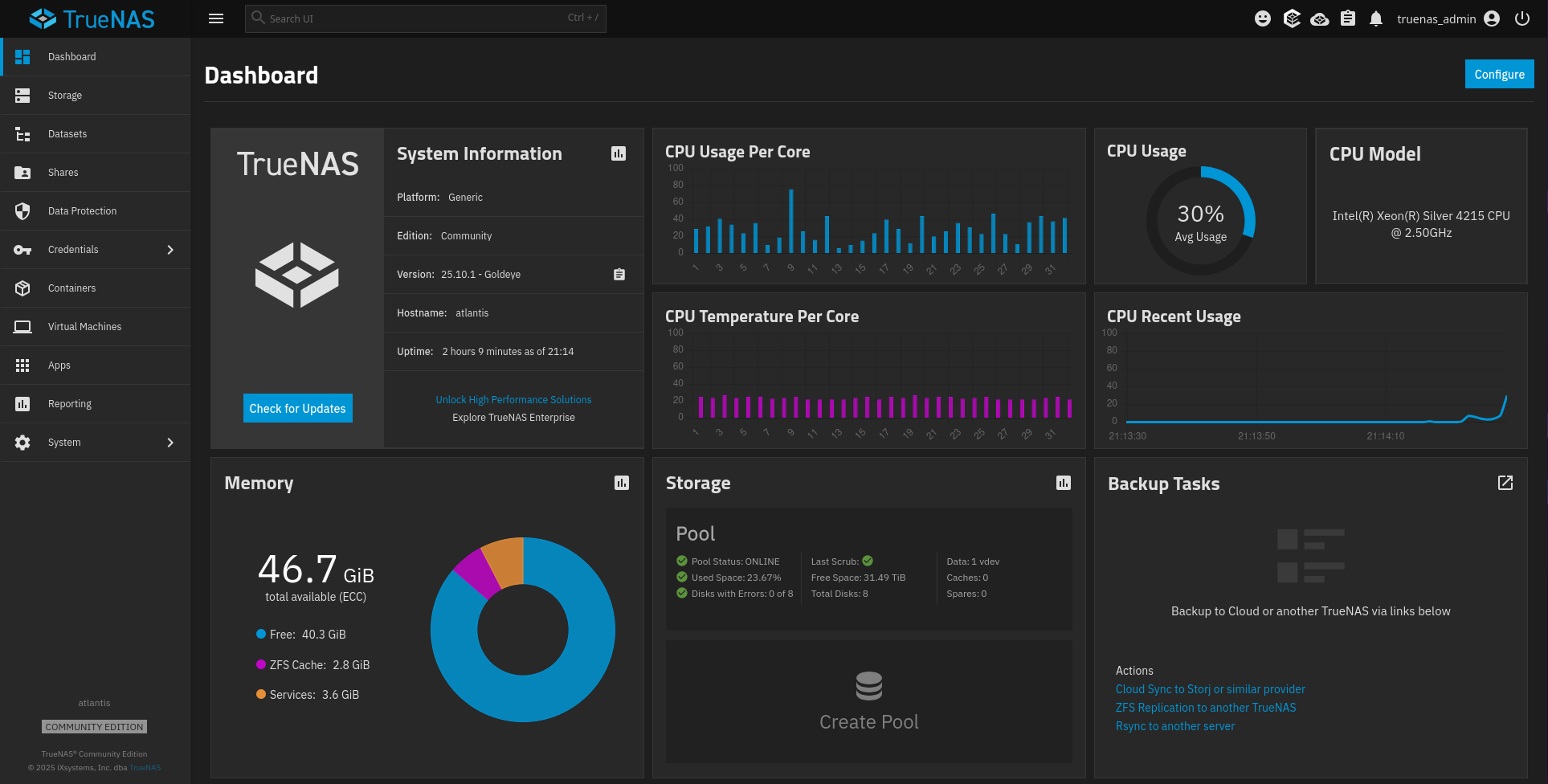
My server build turned into two server builds. My friend and I each acquired a used Dell PowerEdge R540 with nearly identical specs. My server came with:
- 2x Intel(R) Xeon(R) Silver 4215 CPU @ 2.50GHz
- 48 GB RAM
- 10x Toshiba 8TB 7200 RPM SAS drives
Fortunately for me, I had some spare Intel 400 GB data center SSDs, so I jumped on Amazon and grabbed some generic 3.5″ drive caddies with 2.5″ adapters. The LED on the units isn’t as bright as the Dell branded caddies, but work just as well otherwise. I had to remove the RAID that was on the drives. After that I removed two of the Toshiba drives. Finally I put the two new 400 GB SSDs in.
The TrueNAS installation is pretty simple. I selected both of the SSDs for installation, which created a mirrored boot pool. It then asks whether you’d like to setup your administrative user (truenas_admin) or configure using Web UI. I chose to setup the user, which prompted me to create a password. It then started the installation.
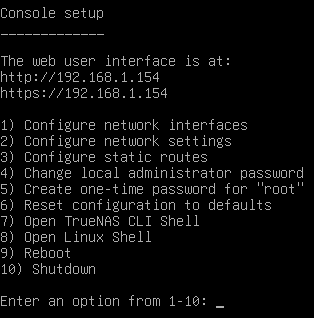
 Once the installation finished and rebooted TrueNAS by default boots to a setup console that shows information and lets you administer your server. The first thing I did was to change the IP from dynamic to static. Both the TrueNAS console and the web UI give you 60 seconds after changing network settings to validate that they work. If you don’t save the settings in that 60 seconds it will revert to the previous settings. This is a great feature, especially when you’re administering remote or headless systems.
Next I headed to the storage menu to create a pool for my data. TrueNAS requires one pool for the OS itself, and one pool for data. Each pool can be one or more disks. Please use at least two mirrored disks per pool. I ended up turning these 8x 8 TB SAS disks into a 41.25 TB RAIDZ2 pool. RAIDz2 requires at least 3 disks, and is equivalent to RAID 6, and can survive two simultaneous disk failures. I named this pool Pool.
After setting up at least one data pool you’re ready to get down to business. The first thing I did was begin to setup my basic file structure. Under my Pool pool, I made individual pools for Data, Media, and Backups. More on these in my next post. After that it was time to start installing apps. While I plan to move my business apps over to the new server, I wanted to start with my home media needs.
So I went to the Apps menu. The first thing to do is to set a pool to start that data. I only have one pool that I can use for data, so this was a no brainer. Had I made multiple pools (maybe another SSD pool for apps, and hard drives for file storage, as an example). After that I proceeded to install Plex. After a quick install I was able to spend the better part of a day moving my media collection from my old Ubuntu Plex container to my TrueNAS system.
Now I’ve managed to shutdown my old home server and I’m fully reliant on TrueNAS.